Practical Guides

Practical answers for reading, organizing, searching and revisiting your documents, notes and videos.

Turn Highlights into Review Cards in DoCube

· 4 min read

The passages you highlight while reading do not need to be copied into separate cards. Set up an annotation rule in DoCube, and matching highlights automatically become review cards. You can keep the surrounding text visible, hide the highlighted passage, try to recall it, and tap to reveal the answer.

This works with any document that supports highlighting in DoCube. This guide uses yellow highlights in a PDF on an iPad as an example, from setting up a rule to completing a review.
Generate Video Subtitles with Whisper on Mac — DoCube Offline Guide

· 5 min read

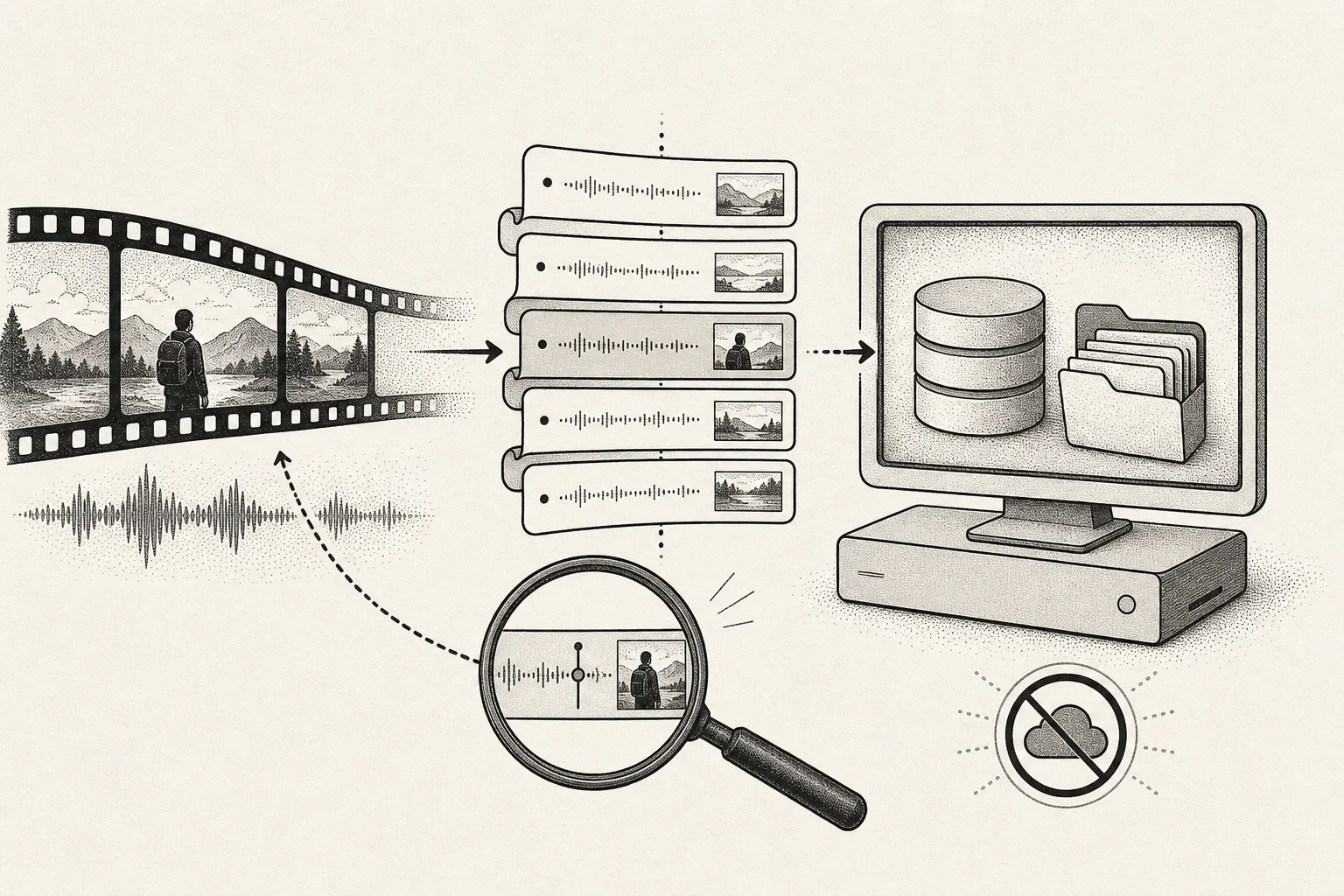
Whisper is OpenAI's open-source speech recognition model. DoCube includes it so you can generate timestamped subtitles for courses, lectures and meeting recordings on your Mac, without installing Python or using a command line.

After the initial model download, recognition works offline and does not require uploading your video to a speech recognition service. This guide walks you through downloading the model, importing a video, generating subtitles and checking the result.

How to Manage PDF and EPUB Notes Locally

· 8 min read

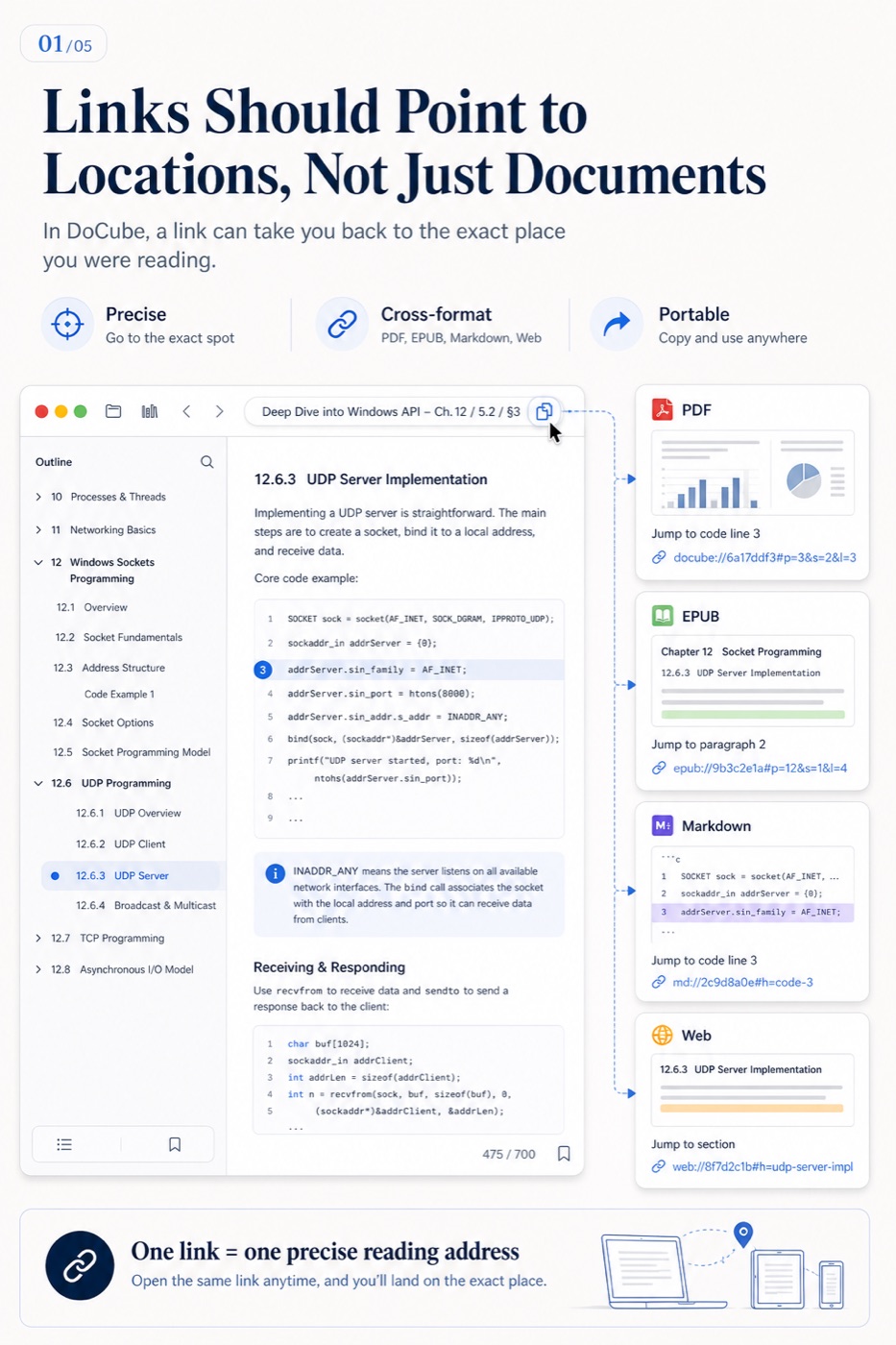
The durable way to manage PDF and EPUB notes locally is to store source documents, reading positions, annotations, long-form notes, and search indexes as distinct data that remains connected by stable document identities and locations. Folders classify files; location, structure, and exportability determine whether you can recover the knowledge later.

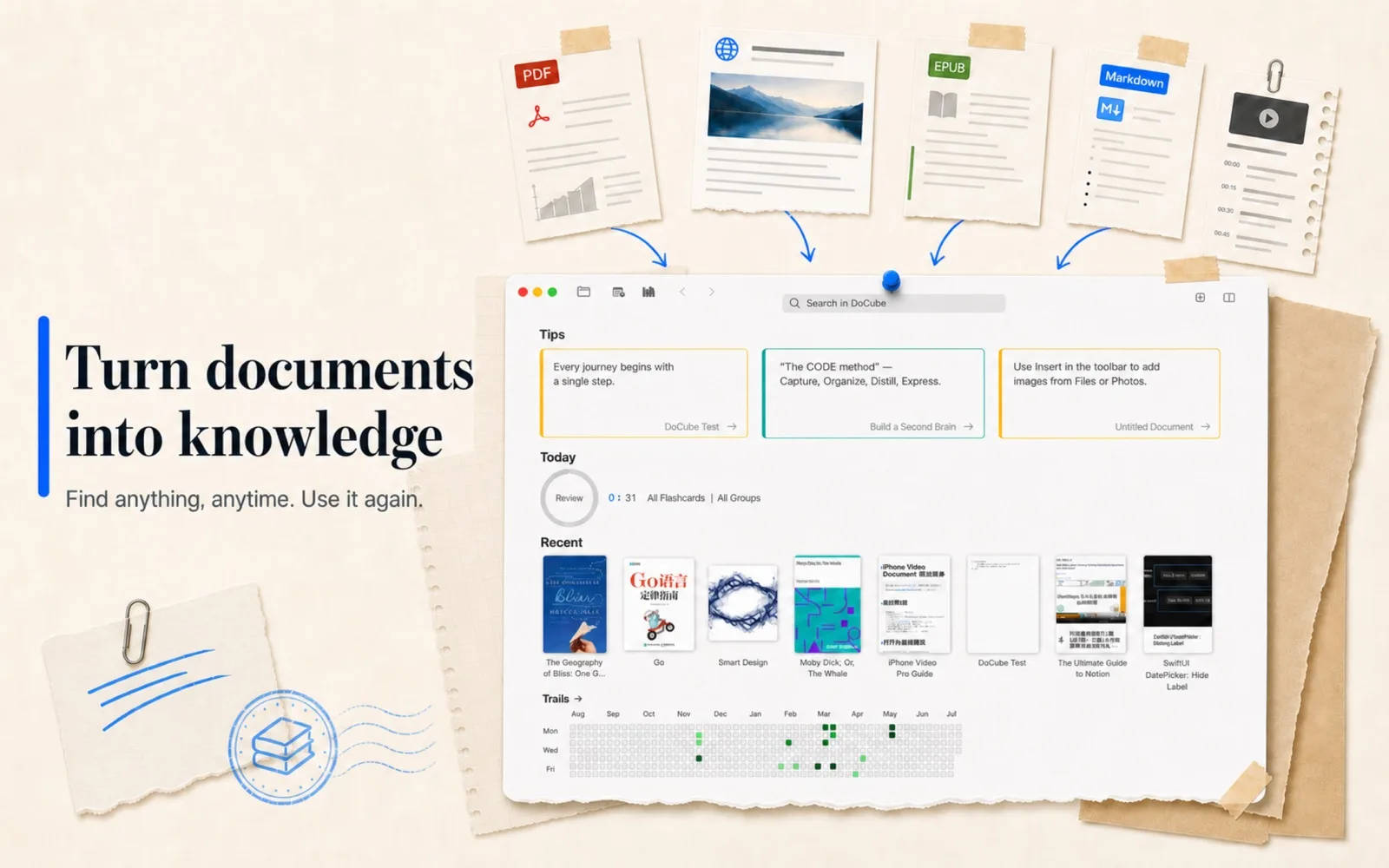
PDFs, EPUBs, saved webpages, Markdown, and videos in one local library

The Problem With PDFs Is What Happens After Annotation

· 7 min read

PDFs are already strong at expression and rendering stability. What still feels underdeveloped is how annotations participate in learning, research, and knowledge work afterward.

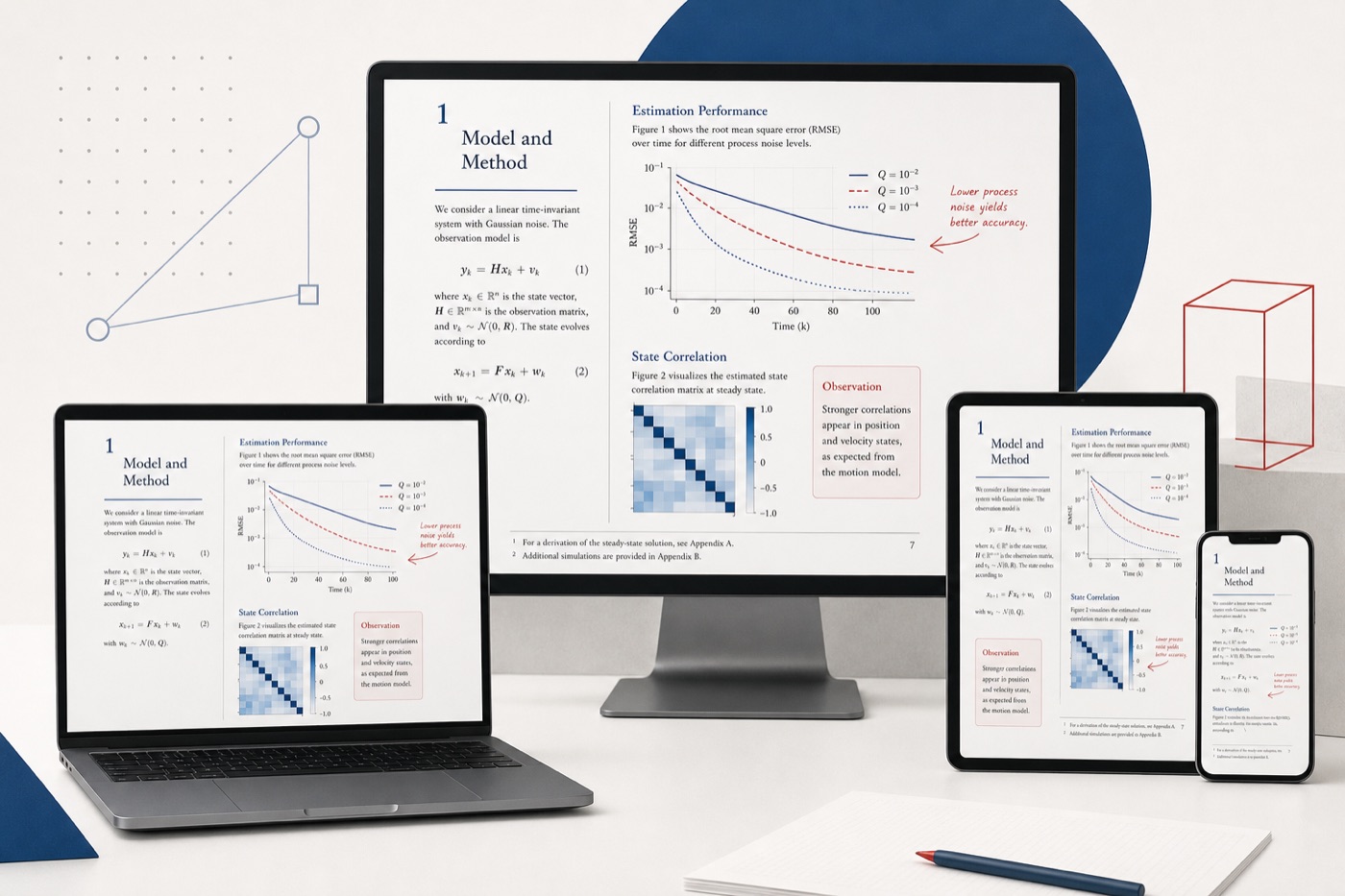
A clean PDF rendered consistently across multiple devices

PDFs have never been a format that nobody complains about.

But I increasingly feel that many of those complaints miss the real problem.

I do not dislike PDFs. If anything, I think PDFs are still a remarkably strong document format. Their expressive range is rich, their layout is stable, and their rendering is consistent across devices. For papers, reports, court decisions, scanned books, and other layout-sensitive documents, that stability is not a flaw. It is one of the main reasons the format remains useful. Complex layout, charts, footnotes, formulas, and page relationships can all be preserved with reasonable fidelity. If the goal is to deliver content accurately to a reader, PDFs still do that job very well.